Introducing the Astrocade MCP: Make Games With Your AI Agent
Astrocade
October 12th, 2026
Loading...
You can already build games with the AI agents you use. Now you can build even better ones and publish them to millions of players.
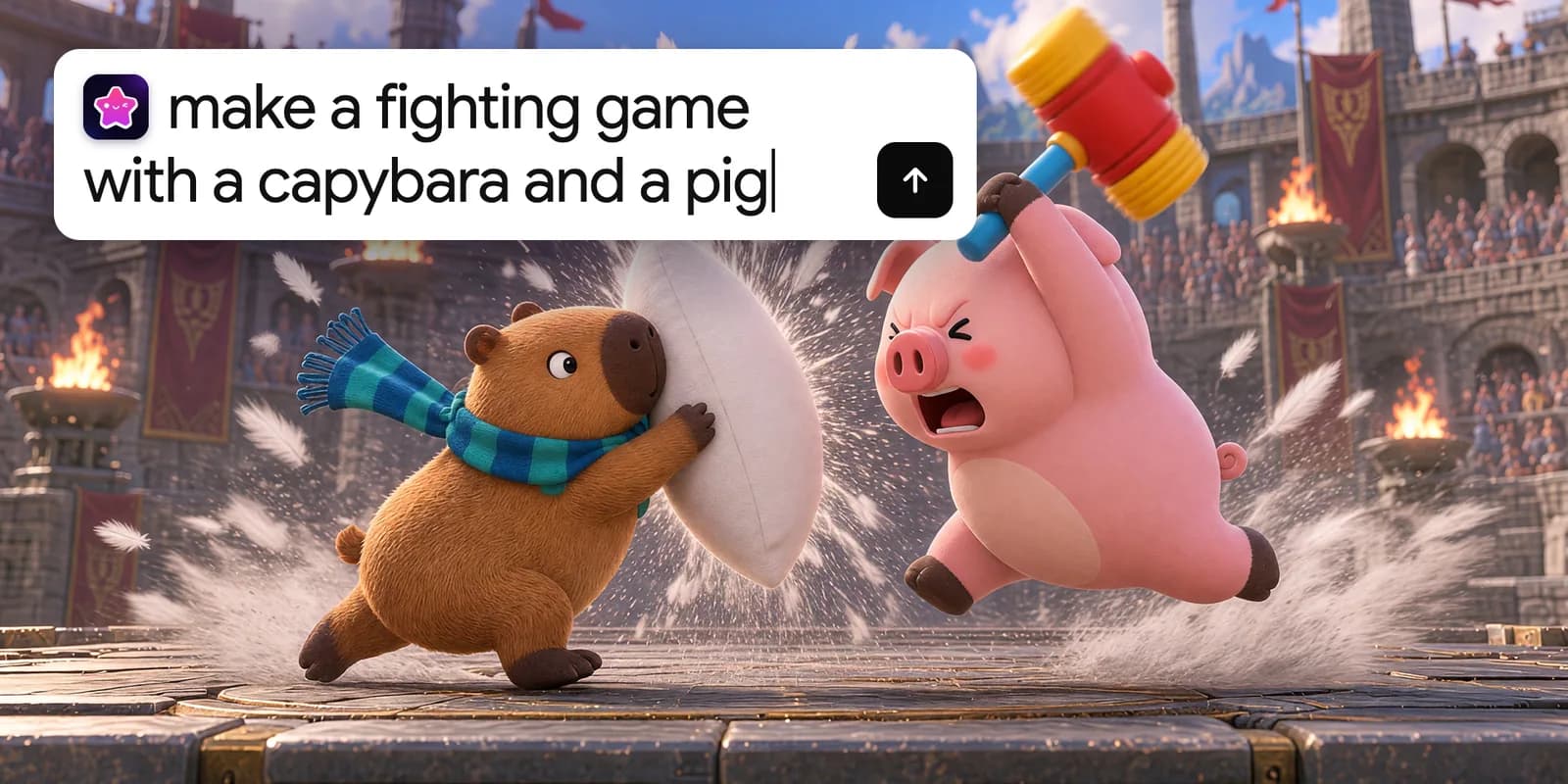
Every game on Astrocade starts the same way: with an idea and the words to describe it. Type it in, and within minutes you have something people can play.
For a lot of games, a few words are all it takes. Some creators want more control: bigger levels, deeper systems, and their own hands on every detail.
Today we're launching the Astrocade MCP, a hosted MCP server that connects Astrocade to the AI agents you already work with, like Claude Code, Codex, Cursor, ChatGPT, and Claude. Build in the agent you know best and publish straight to the Astrocade feed. It's live now, and there's nothing to install. Skip to setup
Creators already build games with AI agents like Claude Code and Codex, but a game built on a laptop doesn't have players. Hosting it, getting it in front of people, and finding out what they think is still up to the creator.
Astrocade already handles that part. Millions of players discover new games in the Astrocade feed every day, and creators grow an audience with followers, comments, and analytics. So we brought Astrocade to the agents you already use.
MCP (Model Context Protocol) is an open standard that lets AI agents plug into other apps. Connect Astrocade to your agent, and you can build games and publish them, all through your own Astrocade account.
Making a game from a prompt on Astrocade's app is still the fastest way from idea to playable. The Astrocade MCP is another way to build on Astrocade, and one especially suited to power users, traditional developers, and people eager to experiment on the frontier of what's possible. Use whichever one fits the game you want to make and your approach to creation.
Connect once, and you can build, change, and publish Astrocade games right from your agent. You decide what the game should be, and your agent writes and tests the code.
Describe the whole game, then keep going. Plan the systems, set the rules, and shape every detail while your agent writes the code, tests it, and fixes what breaks. Try something like:
"Make a fighting game with a capybara and a pig."
Then keep shaping it: "Change the pig's weapon." "Add a lava map." "Make the pillow hit harder." Every game follows Astrocade's game guidelines, so it's built for the phones and internet connections our players use.
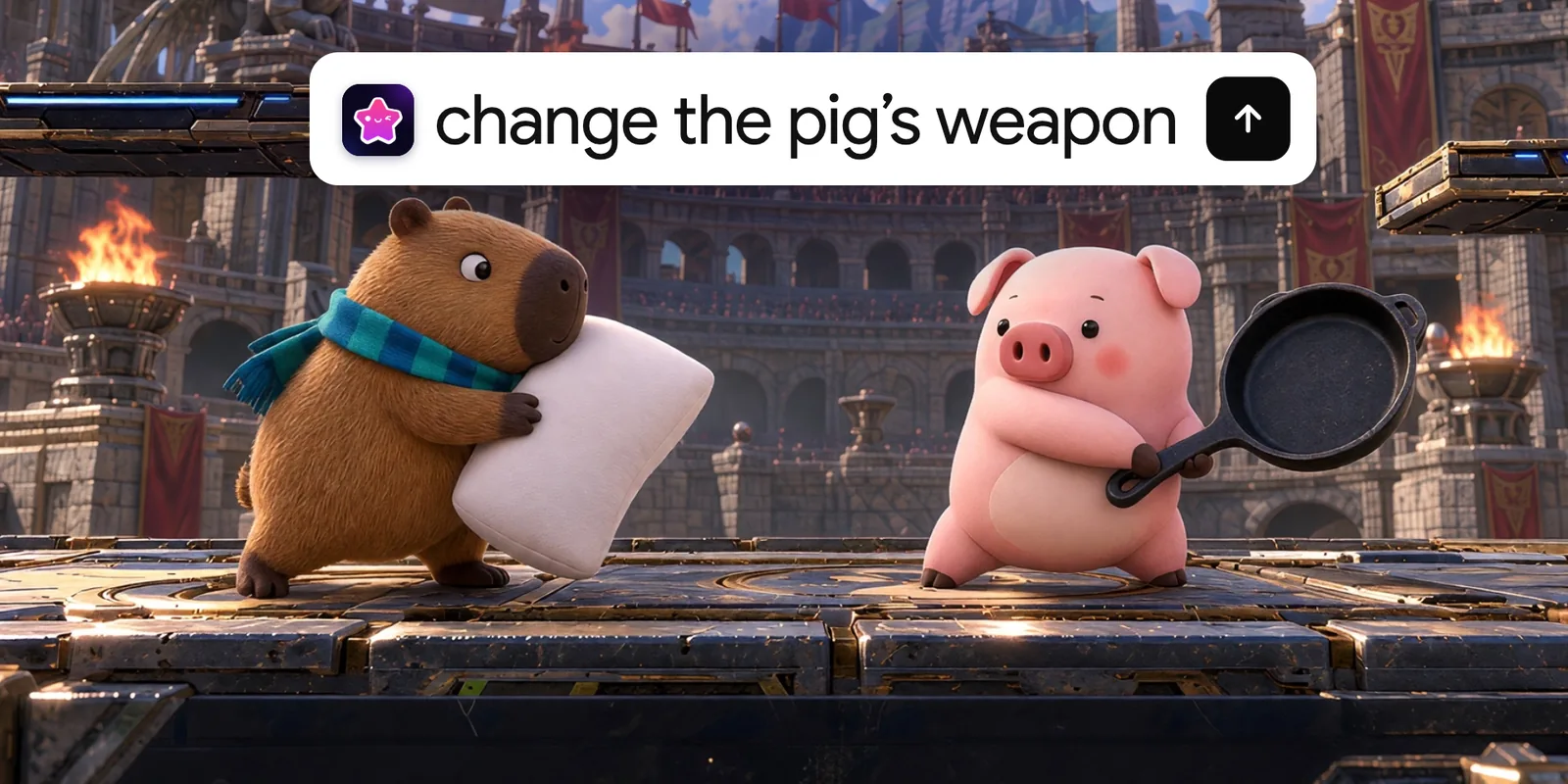
Open the games already in your Astrocade account, change them, and save the new version back. Start a game from a prompt on Astrocade's app, then take it further in Claude Code, or go the other way.
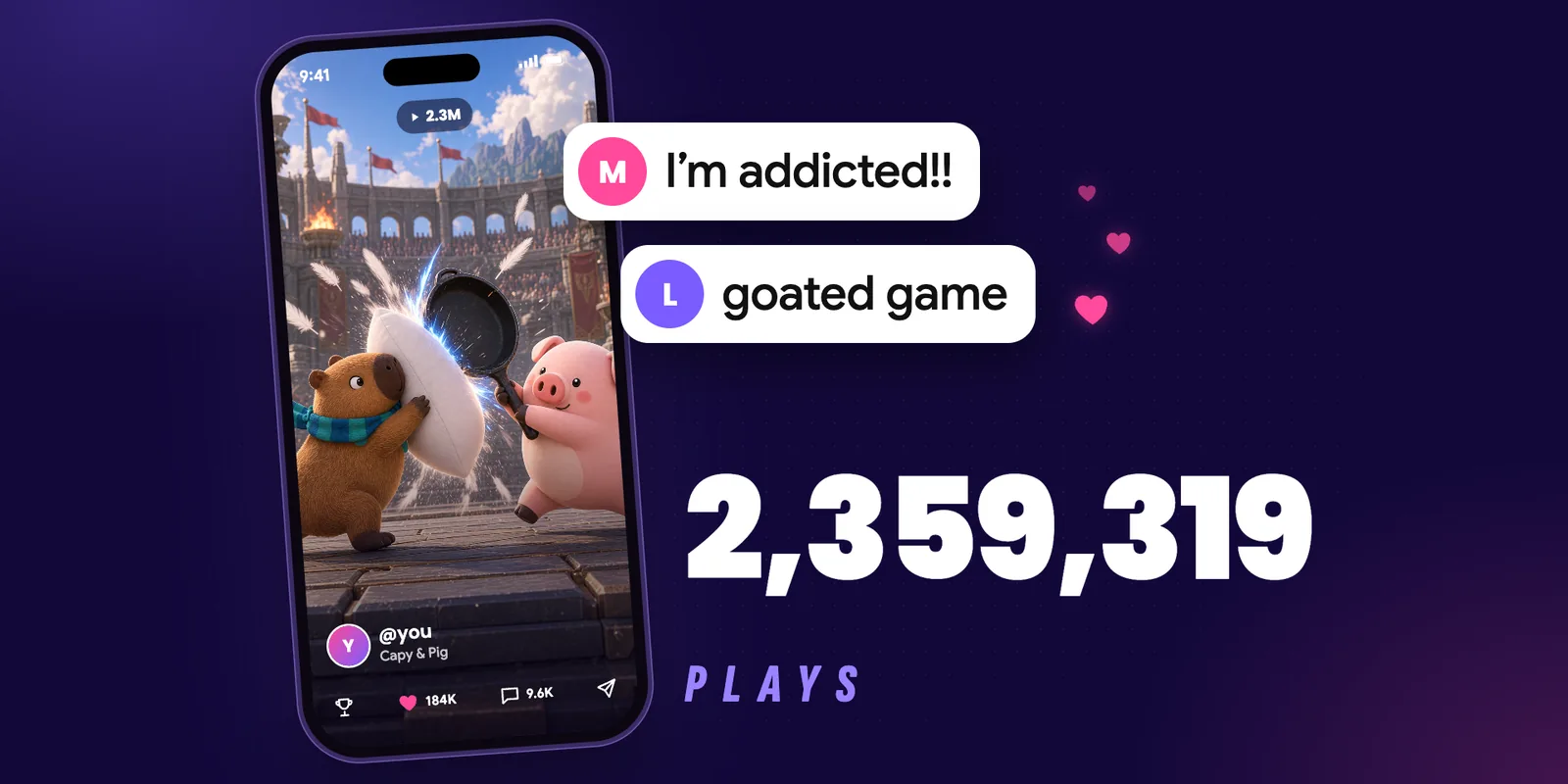
When it feels right, publish it with one command through MCP. Once it passes review, it shows up in the feed, starts collecting plays and comments, earns you followers, and comes with the same analytics dashboard as every other game on Astrocade.
The Astrocade MCP is hosted, so setup is one link and a sign-in. Most creators are done in about two minutes.
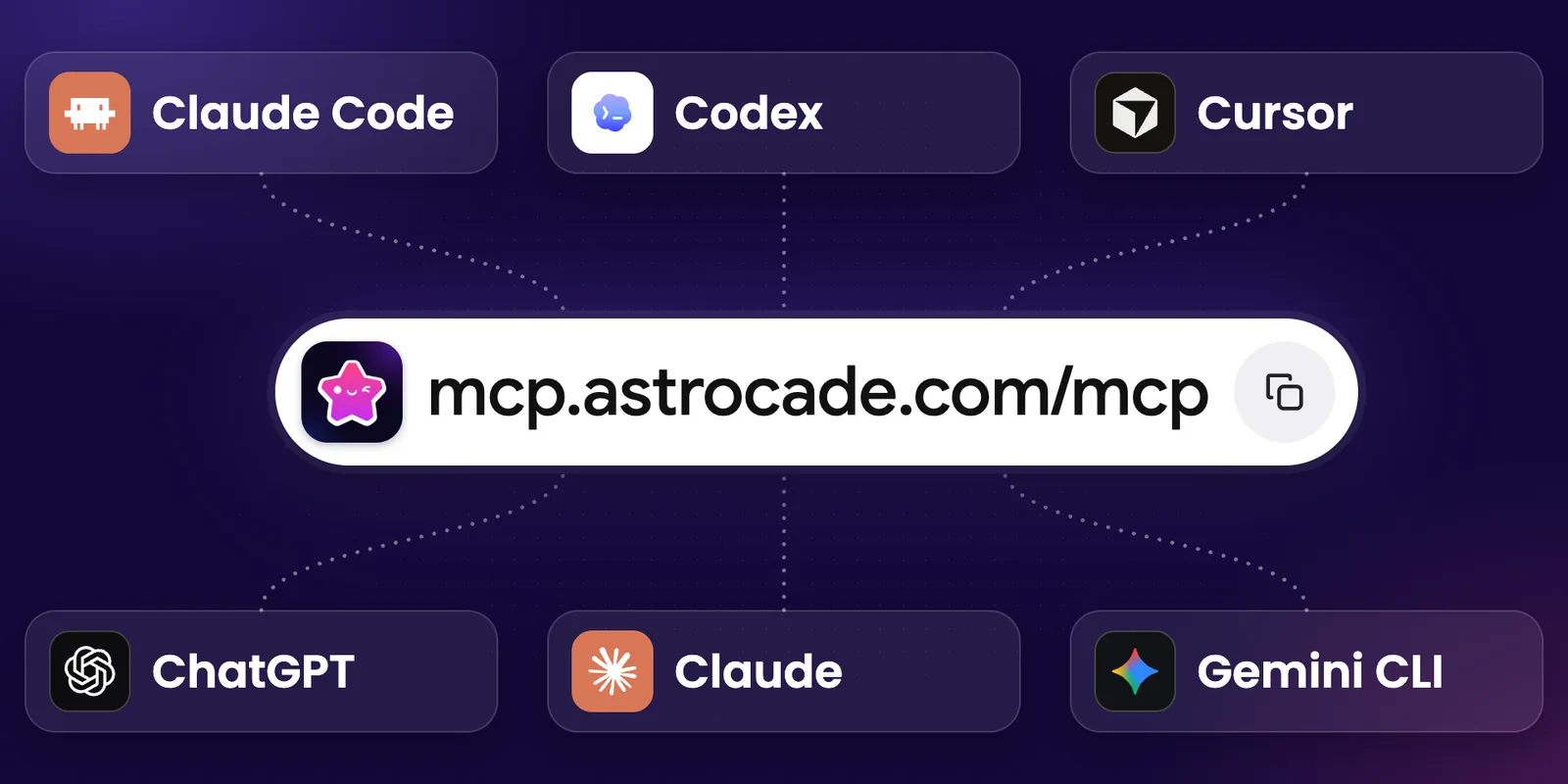
https://mcp.astrocade.com/mcp.Here's where the link goes in each agent:
claude mcp add --transport http --scope user astrocade https://mcp.astrocade.com/mcp. Then in Claude Code, type /mcp and choose Authenticate.codex mcp add astrocade --url https://mcp.astrocade.com/mcp, then sign in in the browser tab that opens.~/.cursor/mcp.json and add the link as an astrocade server. Then in Cursor, open Customize and click Connect next to astrocade.gemini mcp add --scope user --transport http astrocade https://mcp.astrocade.com/mcp. Then in Gemini CLI, type /mcp auth astrocade.Step-by-step guides for each agent are on the Astrocade MCP page.
1. What is the Astrocade MCP?
It's a hosted MCP server that connects Astrocade to AI agents like Claude Code, Codex, Cursor, ChatGPT, and Claude, so you can build Astrocade games with your agent and publish them to the Astrocade feed.
2. Do I need to know how to code?
No. You describe what you want and steer every change, and your agent writes the code. If you do code, you get even more control over exactly how your game works.
3. Is there anything to install?
No. The Astrocade MCP is hosted. You add one link to your agent and sign in with your Astrocade account.
4. Does it replace making games on Astrocade's app?
No. Making a game from a prompt on Astrocade's app is still the quickest way to get something playable. The Astrocade MCP is another way to build, for when you'd rather work with your own agent.
5. Which AI agents work with it?
Claude Code, Codex, Cursor, ChatGPT on the web, Claude on the web, desktop, and mobile, Gemini CLI, and any other agent that supports remote MCP servers.
6. Where do my games go?
To your Astrocade account, like any game you make on Astrocade. When you publish, they go into the feed for millions of players.
We built Astrocade so anyone can make something fun and share it with the world. The Astrocade MCP is one more way to do that, and there's more coming for creators who build with agents.
Connect the Astrocade MCP at astrocade.com/create/mcp. Need a hand? Ask the team on Discord. And when you publish something, tell us about it. We can't wait to play what you make.